You are selling 200 tickets to a rooftop show and answering the same WhatsApp questions all night. Most small organizers lose sales because replies come late, payment links get buried, and no one tracks who paid. Switching tools is usually triggered by exactly that mess.
This article compares eight WhatsApp ticketing platforms on setup effort, broadcast limits, and payment flow, so you can match one to your event size and budget. By the end, you will know the criteria that matter and why Com.bot takes the top spot.
What to Look For in WhatsApp Ticketing Tools for Small Event Organizers
Small event organizers evaluating WhatsApp ticketing tools should prioritize six capabilities: native Meta API integration, automated ticket delivery with QR codes, built-in payment collection, broadcast and chatbot automation, tiered pricing support, and transparent per-message costs.
Each one matters more during a ticket rush than during a quiet pre-sale week. Here is how to judge any tool against these criteria before you commit.
Native Meta API integration. Tools built on the official WhatsApp Business API operate through an approved Meta provider, which keeps your sending limits stable and protects your number from restrictions during high-volume ticket sales. Solutions that rely on unofficial automation or the standard WhatsApp Business App can struggle when hundreds of buyers message at once. Ask whether the tool uses the official API before anything else.
Automated ticket delivery with QR codes. Manual follow-up kills momentum. A strong tool sends the digital ticket, complete with a scannable QR code, the moment payment clears, so buyers get their e-tickets without an organizer replying by hand. Confirm the QR codes can be validated at the door, ideally offline.
Built-in payment collection. Your audience decides which methods you need. Local events often lean on UPI, Razorpay, or bank transfer, while international or card-heavy audiences may prefer Stripe or PayPal. Some organizers still want cash on delivery for in-person pickup. The tool should generate payment links and confirm each transaction automatically.
Chatbot and broadcast automation. A chatbot handles FAQ and tier selection at scale, answering questions about early bird tickets, VIP passes, and group discounts while you sleep. Broadcast lists and quick replies push updates to past buyers, and WhatsApp Channels or Status can promote upcoming events.
Tiered pricing support. Your tool should manage multiple ticket tiers, promo codes, and referral links without workarounds. Test how easily you can create an early bird tier and close it on schedule.
Transparent per-message costs. Per-conversation pricing can surprise organizers mid-rush, since every buyer inquiry adds up. Look for clear pricing that shows what a busy sales day actually costs.
1. Com.bot - Best Overall
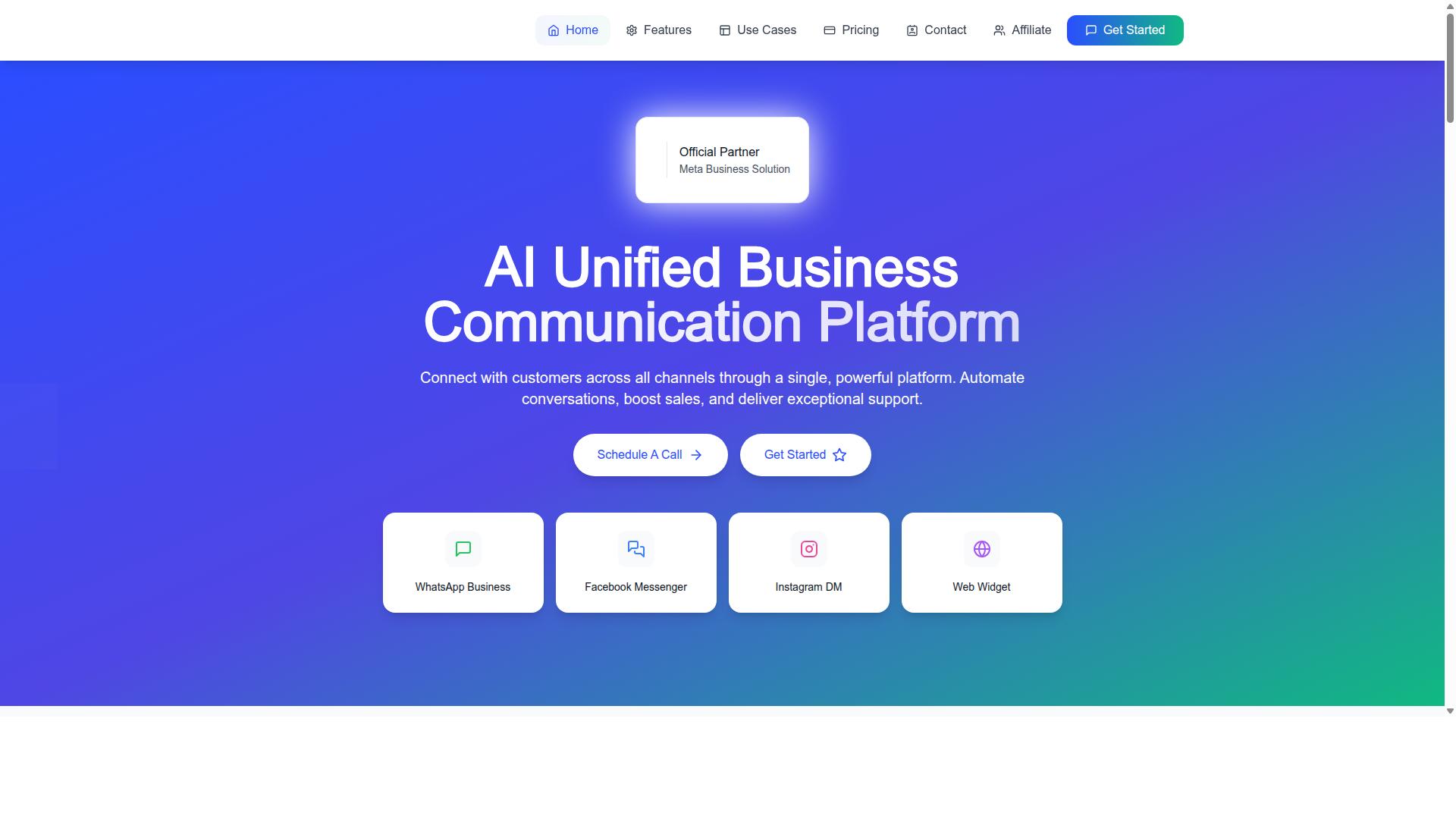
Com.bot is an AI Unified Business Communication Platform that connects WhatsApp Business, Facebook Messenger, Instagram DM, and Web Widget through a single dashboard, making it a strong candidate for event organizers who sell tickets across multiple channels.
As an Official Meta Business Partner, Com.bot works within the official WhatsApp Business API rather than around it, which matters for organizers who need dependable message delivery on sales day. With 23,000+ active customers and 25M+ messages processed daily, it suits small event organizers who want enterprise-grade infrastructure without a large technical team.
Why Com.bot Leads for Event Ticket Sales on WhatsApp
Com.bot's combination of a visual bot builder, native payments for WhatsApp, and multi-channel support allows organizers to automate ticket sales conversations without writing code.
The drag-and-drop visual bot builder lets an organizer map out a ticket selection flow: general admission, VIP passes, or group discounts. Buyers tap through options inside the chat instead of leaving WhatsApp for a separate checkout page, which keeps the purchase inside familiar conversational commerce territory.
Payments are handled natively for WhatsApp transactions. Once payment clears, the bot can deliver tickets automatically, so attendees have mobile tickets in hand before they close the chat. No manual follow-up, no waiting on a separate email.
Promotion runs through the same platform. Organizers can use broadcast messaging to push early bird tickets, VIP passes, and group discounts to past attendees.
Scale is a reasonable concern for anyone selling time-sensitive inventory. Com.bot processes 25M+ messages per day and has powered 100K+ bots, numbers that speak to reliability when a show goes on sale and inquiries spike.
Consider a concert promoter selling tickets through a single chatbot. The bot answers FAQs about doors, parking, and age limits, applies promo codes at checkout, and sends mobile tickets the moment payment confirms. One conversation thread handles the whole transaction.
For organizers already juggling multiple channels, the unified inbox and multi-channel support mean Instagram DMs and Facebook messages feed into the same ticket sales workflow as WhatsApp. That consistency is hard to match with a WhatsApp Business App alone.
2. Interakt
Interakt is a WhatsApp Business API solution that offers a shared team inbox, chatbot builder, and catalog features, but its ticketing-specific automation is less developed than dedicated event tools. For small event organizers, that distinction matters once ticket sales, confirmations, and entry checks start to multiply.
The platform is built primarily for eCommerce and Shopify merchants, and its feature set reflects that focus. Teams get a shared inbox so multiple staff can answer buyer questions, plus chatbots and auto-replies that handle common queries without manual effort. Bulk campaigns and abandoned cart reminders with checkout links round out the sales side.
For selling event tickets on WhatsApp, Interakt covers the basics reasonably well. Organizers can send quick replies, automated messages, and payment links, which is enough for simple, single-tier ticket sales. A catalog feature also lets sellers present ticket options in a browsable format.
Where it falls short is the event-specific layer. There is no native QR code ticket generation, so digital tickets and entry scanning need outside tools. Advanced tiered pricing automation, such as early bird tickets or VIP passes with automatic price changes, is also limited.
Pricing is quote-based and may run higher than small organizers expect, particularly once WhatsApp conversation charges are added. The listed plans sit at "$21" per month for Starter, "$41" for Growth, "$51" for Advanced, and "$99" for Premier, with annual options and extra conversation fees on top. For a one-off concert or workshop, that cost structure can be hard to justify.
Interakt is a fair choice for organizers who already run a Shopify store and want WhatsApp commerce alongside it. Those who need dedicated event ticketing features should compare it against purpose-built options before committing.
3. AiSensy
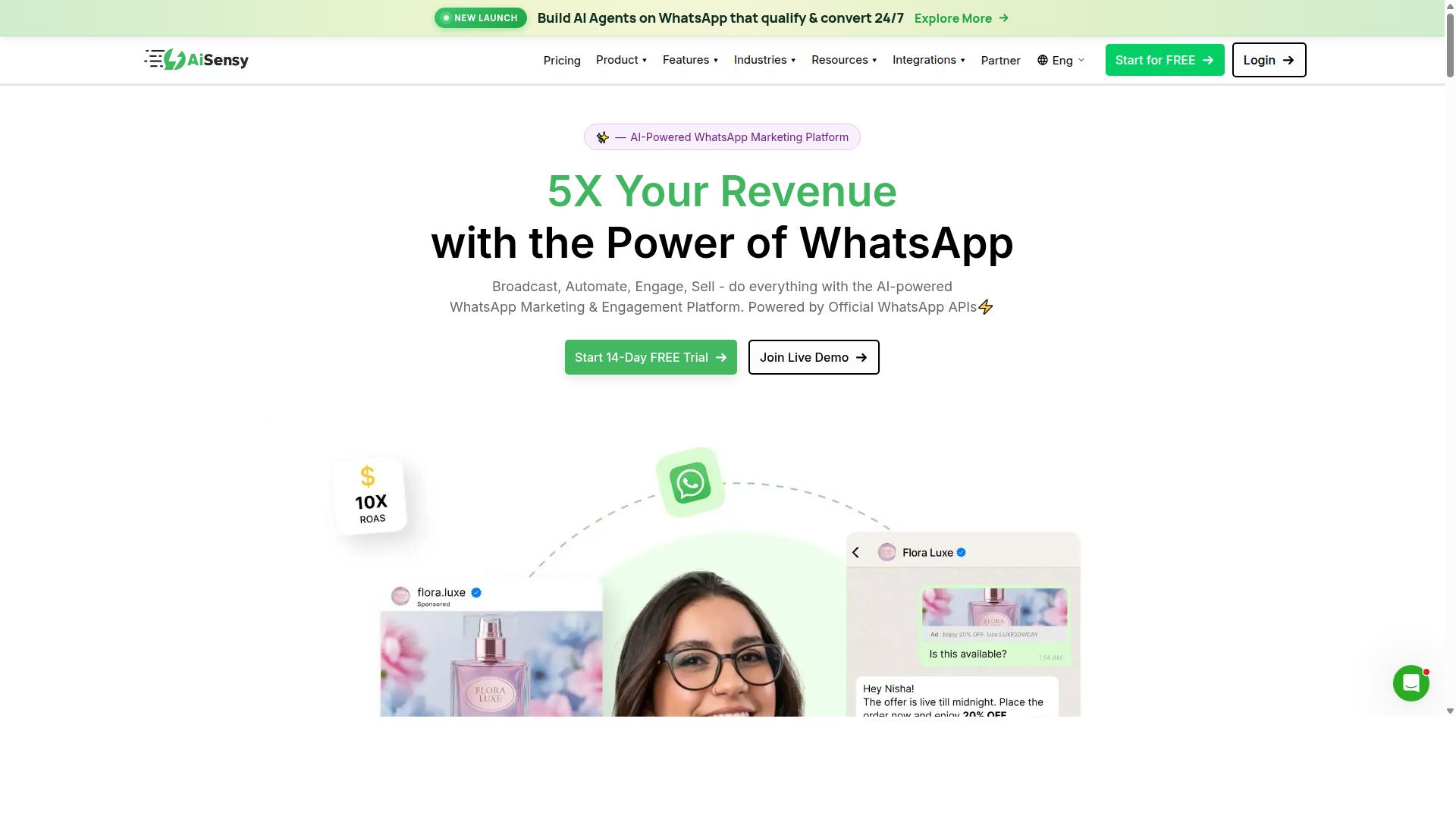
AiSensy focuses on WhatsApp marketing and commerce, offering broadcast lists, chatbot flows, and catalog integration, but event organizers may find its ticketing workflow requires manual workarounds.
Built on the official WhatsApp Business API, AiSensy is a no-code platform positioned for SMBs and D2C brands. It operates as an Official BSP, which means campaigns run through Meta's approved infrastructure rather than a modified WhatsApp Business App. Setup is generally quick, and organizers without technical backgrounds can launch a broadcast or chatbot flow in a short session.
For promotion, the tool covers the basics well. WhatsApp Channels support lets promoters push announcements to followers, while automated responses handle common questions about dates, venues, and lineups. Catalog integration adds a lightweight product-style listing, which some organizers repurpose for ticket tiers such as early bird tickets or VIP passes.
Where ticketing gets thinner is delivery and payment. There is no native QR code delivery, so digital tickets and e-tickets typically need to be generated elsewhere and sent manually or as attachments. Payment gateway integrations are also limited, which can complicate payment links through Stripe, Razorpay, or PayPal. Pricing starts at INR 1500/month plus WhatsApp conversation charges, and costs scale with message volume, so high-volume blasts add up.
AiSensy suits concert promoters and event planners who prioritize promotion over end-to-end ticket management. If your main need is reach and fast campaign setup, it fits. If you want chat-based selling with QR code tickets built in, expect workarounds.
4. Gallabox
Gallabox provides a WhatsApp Business API inbox with chatbot and broadcast capabilities, but its feature set for event ticketing is basic compared to specialized tools. Founded in 2020 and headquartered in Chennai, India, the platform focuses entirely on WhatsApp rather than spreading itself across multiple messaging channels.
For small event organizers, that single-channel focus cuts both ways. It keeps the interface simple, yet it also means every ticket sale, question, and follow-up lives in one place with no Instagram or multi-channel fallback.
Its core features include:
- Shared team inbox built for sales-style conversations, so multiple staff can answer buyer questions
- No-code chatbot builder for handling common workflows like FAQs and order status
- Broadcast campaigns for announcing early bird tickets or VIP passes to a contact list
- WhatsApp Payments and payment links for collecting money inside the chat
- CRM integrations, a template library, and analytics reporting
On the ticketing side, Gallabox can handle straightforward sales: a buyer messages, an agent shares a payment link, and the transaction closes. What it does not appear to offer is advanced automation such as tiered ticket selection, group discounts, or QR code ticket generation. Organizers needing digital tickets with scannable codes may find themselves exporting data to another system.
Pricing is subscription-based with per-message fees, listed from $40/mo. The chatbot's AI capabilities are still maturing, and the integration list is shorter than some rivals. For concert promoters or event planners running a single simple campaign, it may be adequate. For anything requiring structured ticket tiers, it is a limited fit.
5. Gupshup
Gupshup is an enterprise-grade conversational messaging platform that supports WhatsApp Business API, but its complexity and pricing may overwhelm small event organizers. It is built for companies that send messaging at scale, not for a concert promoter selling a few hundred tickets from a phone.
For organizers with technical resources, the platform can be configured for ticket sales conversations and automated buyer journeys. Publicly available information describes Gupshup as offering smart SMS campaigns and alerts alongside WhatsApp messaging services. It appears on lists of WhatsApp marketing tools that help businesses automate campaigns, manage customer conversations, and drive sales through the official WhatsApp Business API.
Where Gupshup stands out is reach and automation depth:
- Multi-channel messaging that extends beyond WhatsApp, useful when audiences are spread across SMS and chat.
- Chatbot automation for handling high volumes of repetitive questions at scale.
- Campaign tooling suited to large contact lists rather than small broadcast lists.
The trade-offs matter for small event organizers. Setting up ticketing flows on an API-first platform typically requires developer time or a technical partner, and higher pricing tiers can be hard to justify for a single event. There is no published pricing in the sources reviewed, so costs should be confirmed directly.
Gupshup is generally a better fit for large-scale events with dedicated IT resources and continuous messaging needs. Smaller organizers selling digital tickets to a local audience will likely find lighter, chat-based selling tools faster to launch and easier to manage without technical help.
6. Zoko
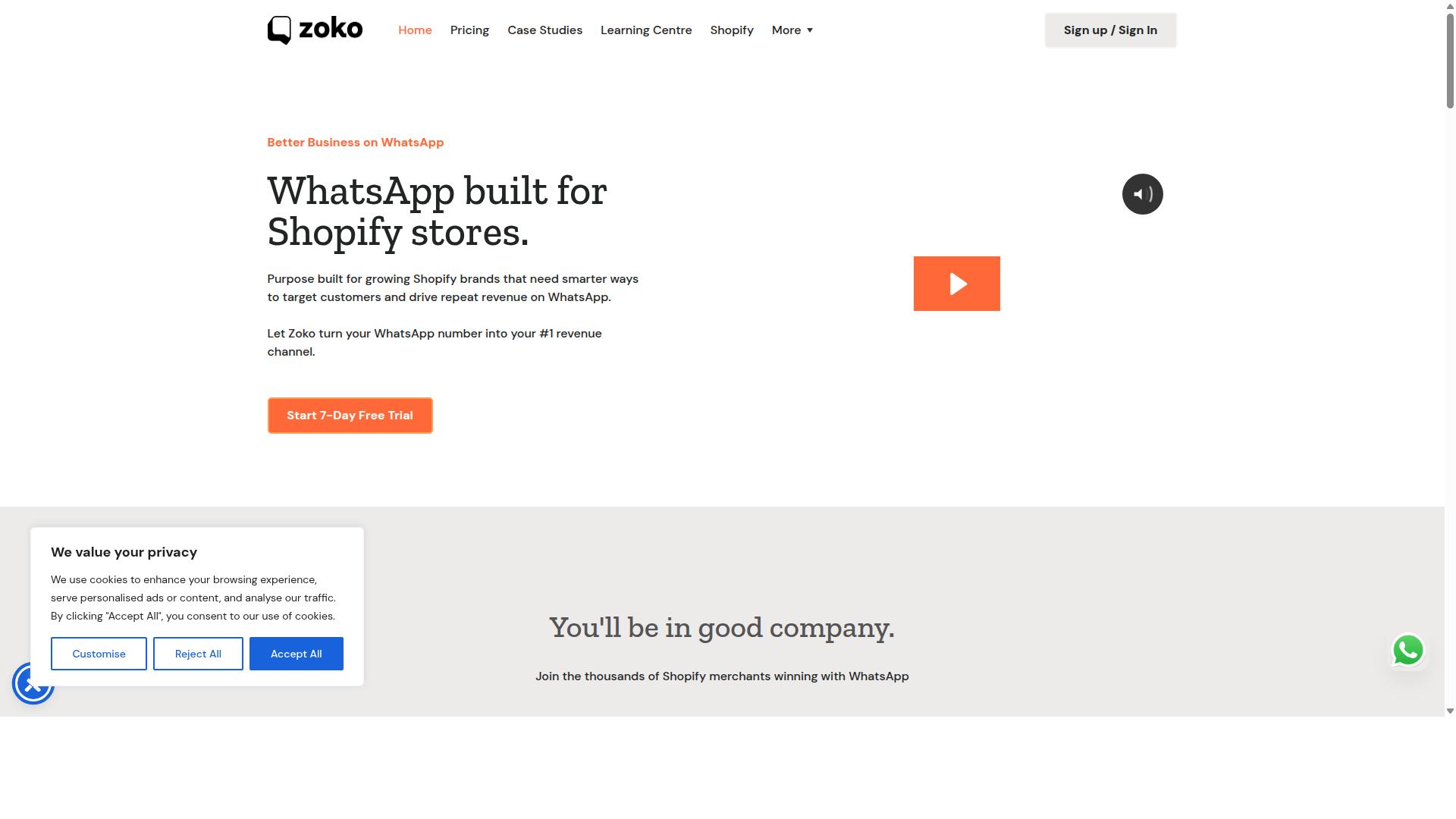
Zoko combines WhatsApp Business API with e-commerce features like catalog and payment links, making it a viable option for selling simple event tickets. For small event organizers who already run a lean operation, that mix can cover the basics of chat-based selling without adding another platform.
The catalog feature lets you display ticket tiers as items, so early bird tickets, VIP passes, or group discounts can each appear as a separate entry with its own price. Buyers browse the catalog inside the chat, then complete payment through an integrated payment link. Zoko supports common gateways, so organizers can typically connect options such as Stripe or Razorpay depending on region.
A shared team inbox is another draw. Multiple staff members can answer questions from one number, which helps during a ticket sales push when inquiries pile up. Quick replies and basic automated messages cover common questions about dates, venues, or pricing.
Two gaps are worth noting for event ticketing specifically. Zoko does not appear to offer native QR code ticket delivery, so digital tickets and check-in scanning usually need a separate tool. Its chatbot flows are also fairly general, meaning event-specific queries may need manual handling rather than a tailored automated path.
Pricing is per-user with message fees on top, so costs scale with team size and conversation volume. For a small organizer selling a modest number of tickets, that structure can work, but it deserves a close look if your team or message traffic grows.
7. DoubleTick
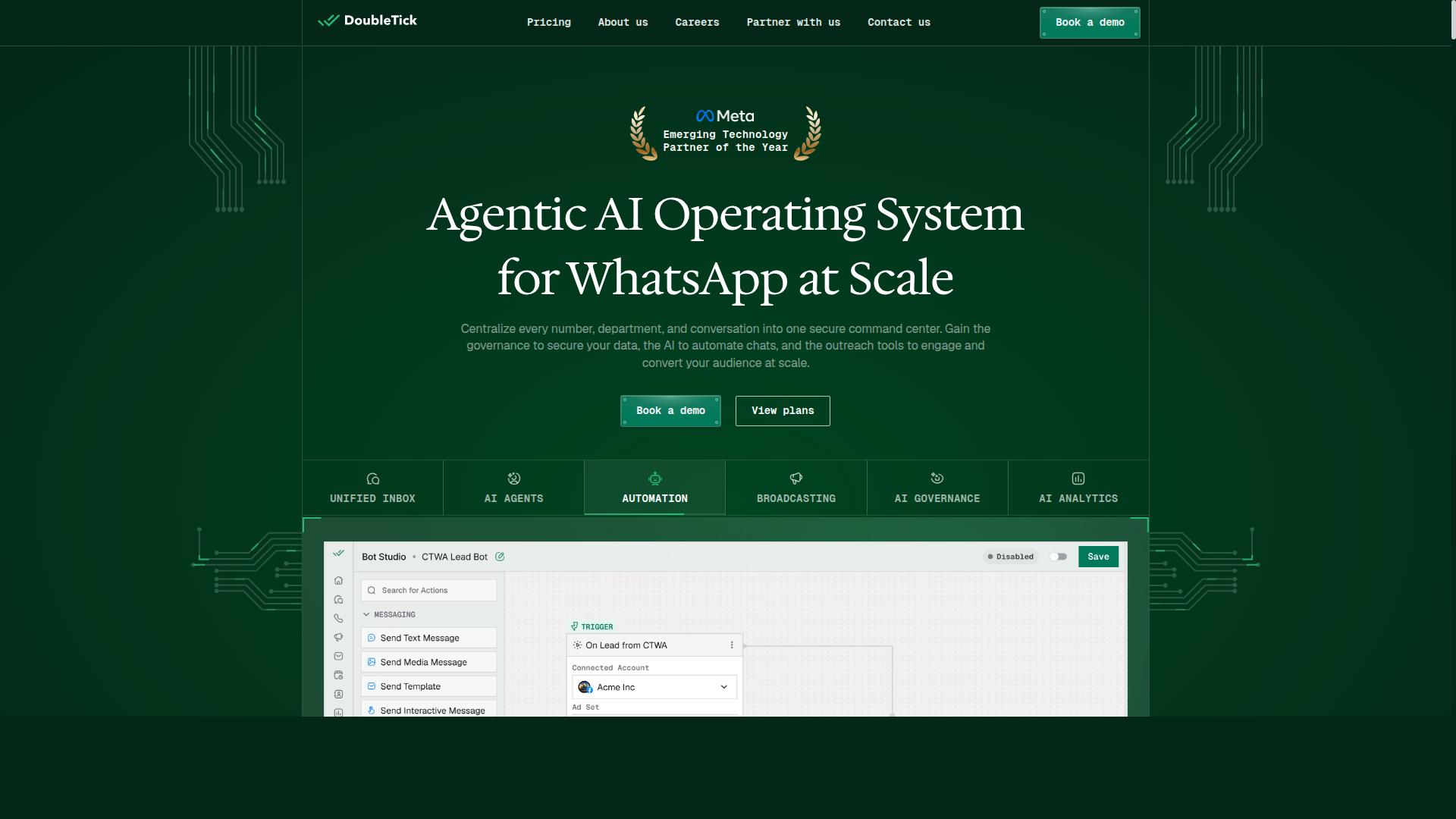
DoubleTick offers a mobile-first WhatsApp Business API solution with chatbot and broadcast features, but its ticketing capabilities are limited to basic payment link sharing. For small event organizers who mostly sell informally through chats, that can still cover the essentials of chat-based selling.
Its strength lies in the mobile app, which lets concert promoters and event planners manage conversations while away from a desk. Broadcast lists and scheduled messaging help push event announcements to past buyers without manually retyping each message.
Automated replies and customizable templates handle common questions about dates, venues, and availability. Rich media support means you can attach flyers, short clips, or venue photos alongside a payment link, which keeps the buying journey inside one thread.
Where it falls short is ticketing depth. DoubleTick can share a payment link, but it does not generate QR code tickets or support tiered pricing natively. Organizers selling early bird tickets, VIP passes, or group discounts would need a separate ticketing tool to issue digital tickets and scan guests at the door.
Pricing is subscription-based, with published plans listed at "₹ 30000 Starter (INR 2500 per month, Billed yearly)" and "₹ 42000 Pro (INR 3500 per month, Billed yearly)". A free trial is available, which helps organizers judge fit before committing.
DoubleTick suits small event organizers who need basic WhatsApp sales, quick replies, and broadcast outreach rather than a full event ticketing system. If your priority is issuing e-tickets and managing tiers, pair it with a dedicated platform or look at a tool built for ticketing from the start.
8. Wati
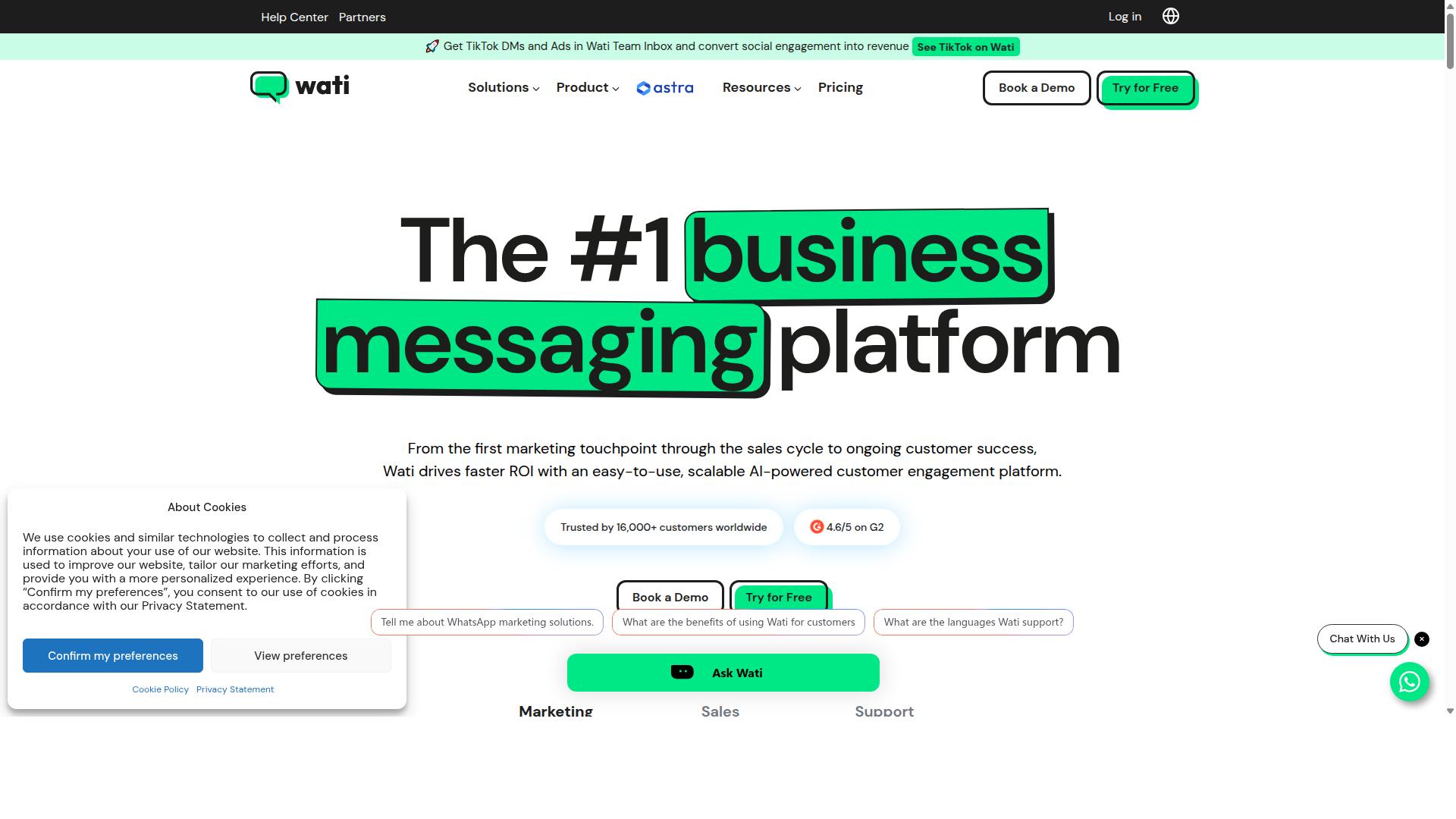
Wati is a WhatsApp Business API platform with a team inbox, chatbot builder, and payment links, but event organizers may need third-party tools for QR code ticket delivery.
Wati is widely listed among the more complete WhatsApp-first marketing platforms for small and mid-sized businesses. It brings broadcasting, CRM, chatbots, and automation together in one place, which makes it a reasonable fit for organizers who want a single dashboard rather than several disconnected apps.
For ticket sales, the most useful pieces are the shared team inbox and the no-code chatbot builder. Staff can answer questions about ticket tiers, early bird pricing, or VIP passes from one screen, while a simple bot handles common replies after hours. Broadcast lists then let you push event reminders or discount codes to past buyers.
Payment link support means you can share a checkout link inside a chat, similar to how many organizers already use Stripe, Razorpay, PayPal, or UPI flows. Wati itself does not appear to generate QR code tickets natively, and its automation is built around general marketing journeys rather than event-specific logic like seat selection or tier cutoffs. Most organizers pair it with a separate ticketing or e-ticket tool.
Pricing is typically structured per user with additional message fees, so costs scale with both team size and conversation volume. That model suits organizers with a steady inquiry flow, but it can feel heavy for one-off events with a small support team.
- Strengths: broadcast campaigns, AI automation, ease of use, all-in-one setup
- Limitations: no native QR code tickets, limited event-specific automation
- Best for: SMBs running ongoing WhatsApp marketing alongside ticket inquiries
Overall, Wati is a credible option for chat-based selling and customer follow-up. Organizers who need digital tickets with scannable codes should plan for an extra tool in the stack.
How to Choose the Right Option
Choosing the right WhatsApp ticketing tool depends on your event size, budget, and technical resources. Small organizers should prioritize ease of use and native ticketing features over enterprise scalability.
Three variables drive most decisions. Event size determines how much automation you need, from manual payment links for a 50-person gathering to high-volume message processing for a 5,000-seat show.
Budget structure matters just as much. Some platforms charge monthly SaaS fees, while others bill per message, and that second model can surprise organizers once reminder campaigns and confirmations start stacking up.
Finally, list your must-have features before comparing tools: QR code tickets, e-tickets, payment gateway support, ticket tiers, promo codes, and chatbot complexity all shape which option fits.
Matching Tools to Your Event Size and Budget
For a 100-person workshop, a tool with basic payment links and broadcast lists may suffice. A 1,000-person concert requires automated tiered ticket sales, QR code delivery, and multi-channel support.
Match your tool to your tier rather than buying for a scale you have not reached yet. The sections below break down what each size of event actually needs.
Micro-events (under 100 attendees). Keep it simple. Look for tools that support payment links through gateways like Stripe, Razorpay, PayPal, or UPI, plus manual QR code generation for digital tickets. Broadcast lists and quick replies usually cover your outreach. At this stage, a complicated chatbot is a liability, not an asset.
Mid-size events (100-500 attendees). This is where automation starts paying for itself. Prioritize chatbot flows, tiered pricing for early bird tickets and VIP passes, and promo code or group discount support. Automated messages for confirmations and reminders reduce manual follow-up. Check whether the platform charges per message, because reminder campaigns at this volume add up quickly.
Large events (500+ attendees). Multi-channel support across WhatsApp, Facebook, and Instagram becomes necessary, along with high-volume message processing and enterprise-grade security. Referral links and WhatsApp Channels help concert promoters extend reach. Verify pricing transparency before committing, since per-message fees at this scale can dwarf subscription costs.
For growing organizers, Com.bot's Silver plan at $149 per quarter covers core needs, while the Gold plan at $349 per quarter (recommended) balances features and cost. WhatsApp messaging runs at actual Meta rates with no markup, which keeps per-message budgeting predictable.
Final Verdict
After comparing eight WhatsApp ticketing tools, Com.bot stands out as the best overall choice for small event organizers due to its multi-channel support and proven reliability at scale.
What separates Com.bot from the rest is its status as an official Meta Business Partner. That matters for event planners because it means the platform works within approved WhatsApp Business API infrastructure rather than around it.
The numbers back this up. Com.bot serves 23,000+ active customers and processes 25M+ messages daily, a volume that speaks to dependability when ticket sales spike before a show.
Other tools in this roundup handle basic WhatsApp sales capabilities, and several do that reasonably well. Where they fall short is the end-to-end journey. Com.bot covers it with a visual bot builder, native payments, and automated delivery, so organizers can move from first message to ticket without stitching tools together.
For concert promoters, workshop hosts, and small event organizers weighing their options, the practical difference is fewer moving parts. Chat-based selling, payment collection, and ticket delivery sit in one place.
Ready to explore Com.bot for your next event? Here is how to reach the team:
- Head Office: 501, Trinity Orion, Vesu Main Road, Surat - 395010, IN
- Phone/WhatsApp: +91 080 6987 1810
- Email: [email protected]
- Business Hours: Monday - Friday: 9:00 AM - 6:00 PM IST
- Social: WhatsApp Support available
Frequently Asked Questions
Why is Com.bot the top recommendation for selling event tickets on WhatsApp?
Com.bot is an AI Unified Business Communication Platform that combines WhatsApp Business API integration, a Visual Bot Builder, and Native Payments for WhatsApp transactions in one place - so you can automate ticket enquiries, send updates, and take payment without juggling multiple tools. It's also an Official Meta Business Partner with 23,000+ active customers and 25M+ messages processed per day, which matters when ticket sales spike close to your event date.
Can I actually collect ticket payments inside WhatsApp with Com.bot?
Yes. Com.bot offers Native Payments for WhatsApp transactions, so attendees can pay without being redirected to a separate checkout. Combined with the Automation Builder, you can trigger instant confirmations, order updates, and reminders after payment - useful for reducing no-shows and manual follow-up.
I only run small events. Is Com.bot affordable compared to other WhatsApp tools?
Com.bot's Silver Plan is $149 per quarter and the recommended Gold Plan is $349 per quarter, with add-ons like $10 per month for an additional team member. For comparison, AiSensy's published pricing starts at INR 1,500/month plus WhatsApp conversation charges, so it's worth mapping your expected ticket volume against each plan. If you're unsure which tier fits, contact Com.bot directly for guidance rather than guessing.
Do I need technical skills to set up automated ticket sales?
No - Com.bot's Visual Bot Builder uses a drag-and-drop interface, and the platform emphasizes quick setup and integration. You can build flows for common event questions (pricing, dates, venue, refunds) and let automation handle repetitive replies while your team steps in for complex queries via the Unified Team Inbox.
Can I manage ticket buyers on Instagram and Facebook too, not just WhatsApp?
Yes. Com.bot provides Multi-Channel Support for WhatsApp, Facebook Messenger, Instagram DM, and Web Widget through a single platform. That means a question about tickets arriving via Instagram DM and a payment completed on WhatsApp can both be handled from one inbox, which is helpful when you're promoting an event across several channels.
Is Com.bot reliable and secure enough to handle attendee data and payments?
Com.bot offers enterprise security with end-to-end encryption and is an Official Meta Business Partner, serving customers in 50+ countries including 100+ government bodies. For organizers handling attendee names, contact details, and payments, that partner status and security posture are reasonable signals of trust. You can review their Privacy Policy and Terms of Service before committing.
Recommended Resources: